
To reduce false alerts from your pool safety cameras, focus on proper placement and calibration. Position cameras away from direct sunlight, glare, or reflective surfaces, and angle them to avoid obstructions like trees or structures. Adjust sensitivity settings to match your environment, and regularly maintain and reposition cameras to adapt to changing conditions. Using specific zone settings helps focus alerts on critical areas. Keep learning how to optimize your system for reliable safety monitoring.

Get pool and patio gear delivered free with Prime
- Fast, free delivery on millions of items
- Prime Video, Amazon Music and more included
- Member-only deals all year
Key Takeaways
- Position cameras at high angles to maximize coverage and minimize obstructions like trees or structures.
- Avoid placing cameras directly facing the sun to prevent glare and false triggers.
- Shield cameras from direct sunlight and reflections using eaves or weatherproof covers.
- Regularly clean lenses and check focus to maintain clear visibility and accurate motion detection.
- Fine-tune sensitivity settings and define specific zones around the pool to reduce false alarms from irrelevant movement.
pool safety camera with adjustable sensitivity
As an affiliate, we earn on qualifying purchases.
As an affiliate, we earn on qualifying purchases.
Why Proper Camera Placement Reduces False Alerts
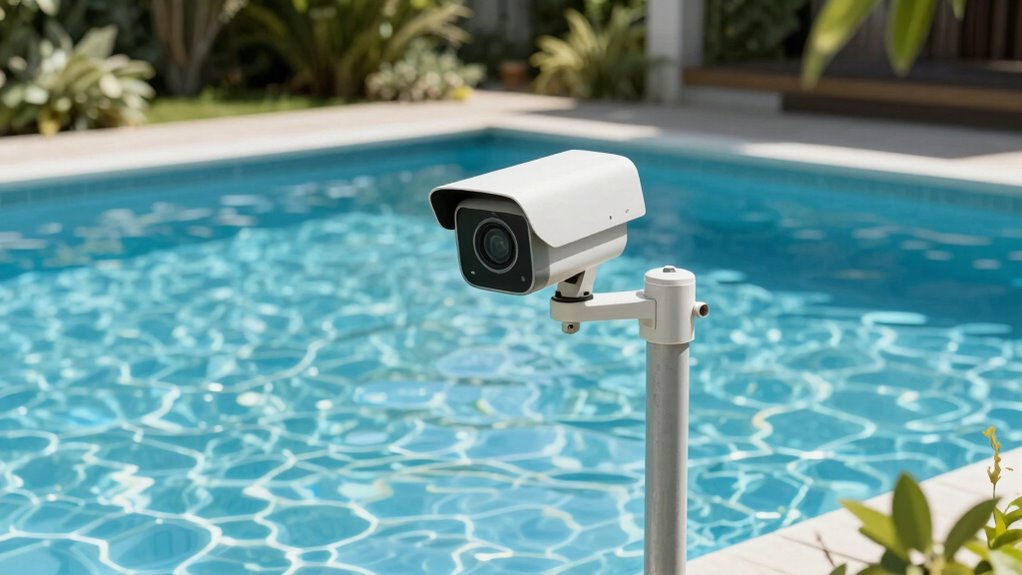
Proper camera placement is vital for minimizing false alerts at your pool. When positioning your camera, ensure it covers the intended area without obstructions or reflections that could trigger unnecessary alarms. Proper sensor calibration is key; set the sensor’s sensitivity correctly to distinguish between real threats and harmless movements. Lighting adjustments also play a critical role—avoid placing the camera where direct sunlight or glare can cause false triggers. Good placement minimizes the need for constant sensor recalibration and reduces false alerts caused by shadows or changing light conditions. Additionally, understanding how contrast ratio affects image quality can help you select the optimal camera settings for clear, accurate detection. Ensuring the camera’s sensor sensitivity is properly configured is crucial for effective detection and fewer false alarms. By thoughtfully positioning your camera and fine-tuning its settings, you help guarantee it accurately detects genuine safety issues while ignoring irrelevant movements, making your pool’s security system more reliable and effective. Proper camera placement also ensures the camera’s field of view is maximized, reducing blind spots and enhancing overall safety. Regularly reviewing your camera’s viewing angle can further improve detection accuracy and reduce false alarms. Moreover, considering the environmental conditions, such as wind or nearby objects, can help prevent unnecessary alerts and improve system reliability.
Common Causes of False Alerts and How Placement Can Prevent Them
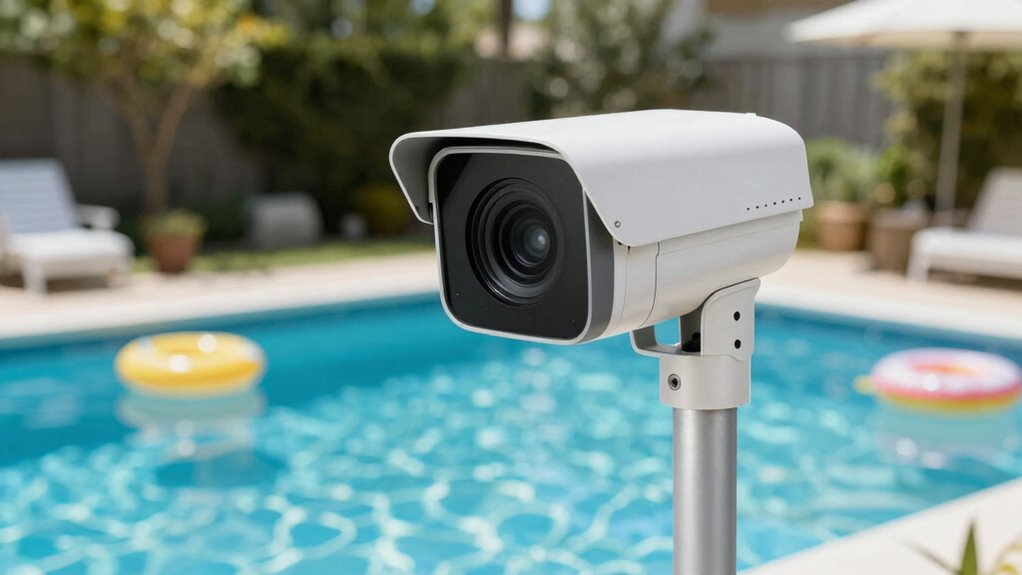
Many false alerts at your pool can be caused by poor camera placement, which makes the system sensitive to harmless movements or environmental factors. Sensor malfunctions can also trigger false alarms if cameras aren’t positioned correctly, leading to misinterpreted signals. Additionally, software glitches may cause the system to register false alerts, especially if cameras are exposed to direct sunlight or reflections that interfere with detection algorithms. Improper placement increases the chances of triggering these issues, making it essential to position cameras where environmental influences are minimized. Ensuring cameras are securely mounted and shielded from direct light or moving debris helps reduce false alerts caused by sensor malfunctions and software glitches, keeping your pool safety system reliable and focused on genuine safety concerns. Proper camera placement can also improve the overall effectiveness of your home safety system by reducing unnecessary alerts and ensuring real issues are promptly addressed. Proper positioning also considers camera calibration, which is crucial for detection accuracy and minimizing false alarms. Furthermore, understanding environmental factors can help you choose optimal camera locations that are less susceptible to false triggers. Being aware of lighting conditions is also vital, as inconsistent or harsh lighting can adversely affect detection performance.
How to Position Cameras to Avoid Obstructions and Glare
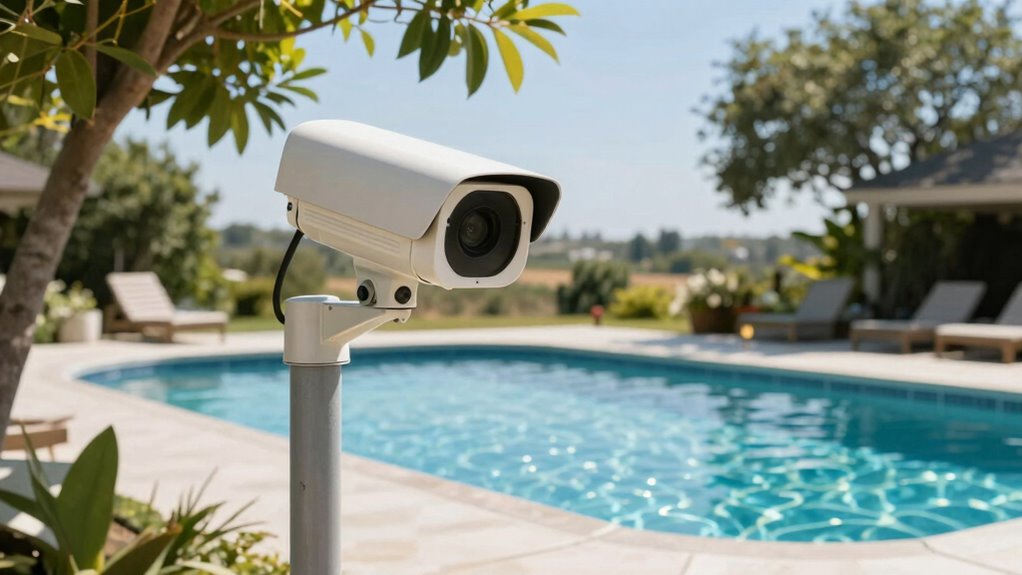
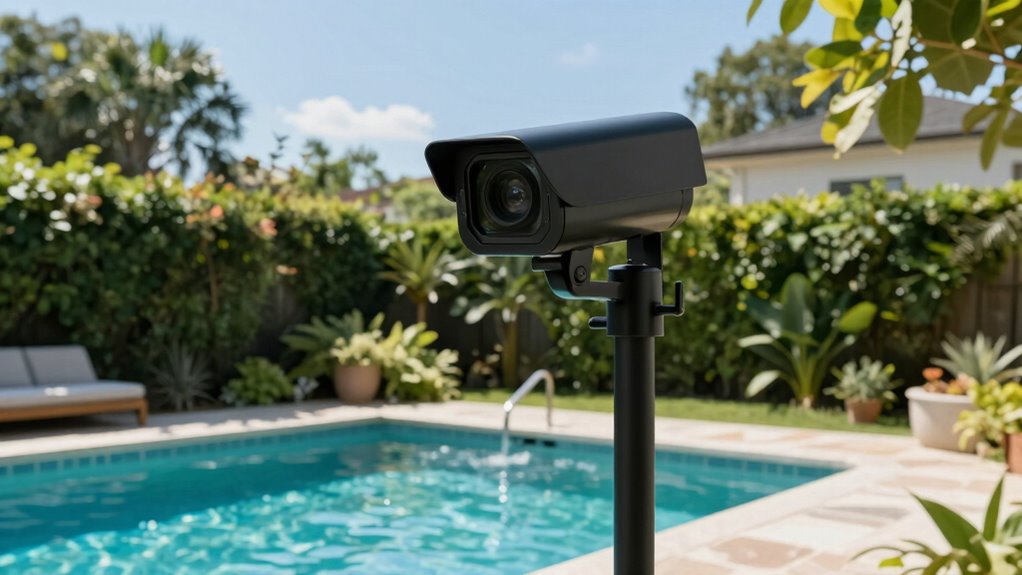
To get the best footage, choose camera angles that keep obstructions like trees or structures out of view. Position your cameras to minimize sunlight glare, which can obscure important details. Adjusting angles and managing sunlight will guarantee clear, reliable surveillance around your pool. Additionally, consider the camera placement, ensuring they are installed at optimal heights and angles for comprehensive coverage. Proper thermal behavior understanding can also help you select the best locations that avoid heat reflections or shadows that interfere with image clarity. Being aware of field-of-view parameters can further improve coverage and reduce blind spots.
Optimal Camera Angles
Positioning your pool safety cameras correctly is crucial for clear, unobstructed views and minimal glare. To achieve this, consider lighting considerations—place cameras where natural light won’t wash out the image or cause glare. Avoid areas where direct sunlight hits the lens during peak hours, as this creates blind spots and false alerts. Weather effects also influence camera angles; mounting cameras under eaves or sheltered spots helps protect them from rain, wind, and debris, maintaining ideal visibility. Keep in mind that higher angles provide broader coverage while reducing obstructions like pool equipment or trees. Adjust your camera angles to monitor key zones without sacrificing image clarity, ensuring you get reliable footage regardless of changing weather conditions or lighting. Additionally, choosing trusted businesses and services can help you find quality security equipment and installation assistance. Proper camera placement also involves understanding environmental factors, which can significantly impact camera performance over time. Being aware of air quality conditions can help you select cameras with suitable features for your environment, ensuring consistent operation. Regularly inspecting your camera angles and adjusting as needed helps maintain optimal coverage and minimizes false alerts caused by environmental changes.
Managing Sunlight Glare
Sunlight glare can considerably impair your pool safety camera’s visibility, so it’s essential to position them where direct sunlight won’t hit the lens during peak hours. To reduce sunlight glare, avoid placing cameras facing the sun directly, especially during early morning or late afternoon. Instead, angle your cameras to minimize the sun’s reflection on the lens. Be mindful of shadow interference, which can obscure important details; position cameras where shadows don’t block key areas. Using shade or overhangs can help prevent glare from washing out the image. Regularly adjust camera angles as the sun moves throughout the day. Proper positioning ensures clear footage, reduces false alerts caused by glare, and maintains reliable monitoring of your pool area at all times.
Adjust Camera Sensitivity Settings for Fewer False Alarms
Adjusting your camera’s sensitivity settings can considerably reduce false alarms, ensuring you only get notified about genuine safety concerns. Proper sensor calibration is key—if your sensor is too sensitive, it reacts to minor movements, causing false alerts. Start by fine-tuning the sensitivity to match your pool environment. Your camera placement influences this as well; position cameras where they’re less likely to detect non-threatening motion. Use the table below to understand different sensitivity levels:
| Sensitivity Level | Effect | Recommended Use |
|---|---|---|
| Low | Fewer false alarms, may miss minor activity | Large, cluttered pools |
| Medium | Balanced detection, fewer false alarms | Typical residential pools |
| High | Sensitive, catches all motion | Active pools with frequent activity |
Adjust these settings based on your environment for optimal safety results. Incorporating digital literacy into your safety practices can help you better understand and manage your camera system. Additionally, understanding privacy policies can help you make informed decisions about data sharing and security. Being aware of sensor calibration techniques can further improve your camera’s accuracy and reliability. Regularly reviewing and adjusting these settings as needed will keep your pool monitoring more effective.
Maintain and Reposition Cameras Regularly to Keep False Alarms Low
Maintain and Reposition Cameras Regularly to Keep False Alarms Low. Regularly check your pool cameras to guarantee they’re functioning properly and capturing clear images. Adjust the angles as needed to improve accuracy and reduce false alarms, and clean the lenses often to maintain visibility. Staying on top of these tasks helps keep your system reliable and minimizes unnecessary alerts. Additionally, understanding drive tech basics can help you troubleshoot and optimize your camera setup for better performance. Monitoring security measures is also essential to prevent unauthorized access and protect your system from cyber threats.
Schedule Regular Camera Checks
To guarantee your pool safety cameras function effectively, you should schedule routine checks to maintain and reposition them as needed. Regular inspections help ensure the camera firmware is up to date, reducing false alerts caused by outdated software. During checks, verify the camera’s positioning and clean the lens for clear images. Also, reinforce user training so everyone understands proper operation, decreasing human error that might trigger false alarms. Visualize your camera setup like this:
| Position | Firmware Status | User Knowledge |
|---|---|---|
| Poolside | Updated | Trained |
| Deck | Needs update | Briefed |
| Surrounding | Up to date | Familiar |
Consistent checks keep your system reliable, minimizing false alerts and ensuring safety.
Adjust Angles for Accuracy
Since improper camera angles can lead to missed detections or false alarms, it’s essential to periodically review and reposition your cameras. Adjusting angles guarantees they capture the right areas and adapt to changing lighting conditions. Keep these tips in mind:
- Optimize camera height to reduce glare and shadows, improving image clarity.
- Align angles away from direct sunlight to prevent overexposure during bright lighting conditions.
- Regularly test camera views to confirm they cover critical zones without obstructions or unnecessary triggers.
Clean Lenses Frequently
Keeping your pool safety cameras in top condition means more than just adjusting their angles; it also requires cleaning their lenses frequently. Dirty lenses can obscure images, causing false alerts and making lens maintenance essential. Regularly wipe the lenses with a soft, lint-free cloth to remove dirt, smudges, and water spots. This simple step helps maintain clear visibility and minimizes false alarms caused by debris or fog. Additionally, cleaning supports proper camera calibration, ensuring that motion detection and object recognition stay accurate. Reposition your cameras periodically to prevent build-up or misalignment that can compromise their effectiveness. By staying proactive with lens maintenance and camera calibration, you’ll enhance your system’s reliability and reduce unnecessary false alerts, keeping your pool area safer and more secure.
Using Zone Settings and Alerts Effectively for Better Safety
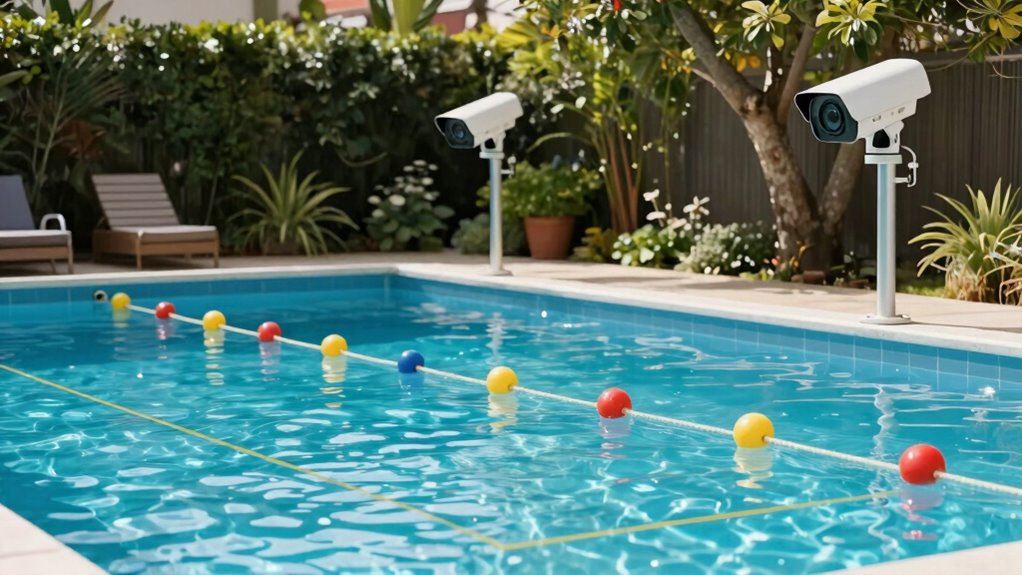
Effectively using zone settings and alerts on your pool safety camera can considerably enhance overall safety. Proper zone customization allows you to focus on critical areas, reducing false alarms and ensuring real incidents get noticed. To optimize your setup:
Using zone settings and alerts enhances pool safety by focusing on critical areas and reducing false alarms.
- Adjust zone boundaries to cover high-risk spots like pool entrances or shallow ends.
- Fine-tune alert configuration so you’re notified only for relevant movements.
- Regularly review and update zones as your pool area or usage changes.
This approach minimizes unnecessary alerts while keeping you informed of genuine safety concerns. By customizing zones and alert settings, you create a tailored monitoring system that balances vigilance with practicality. Implement these strategies to boost your pool safety effectively and confidently.
Tips for Troubleshooting and Fixing False Alarm Issues
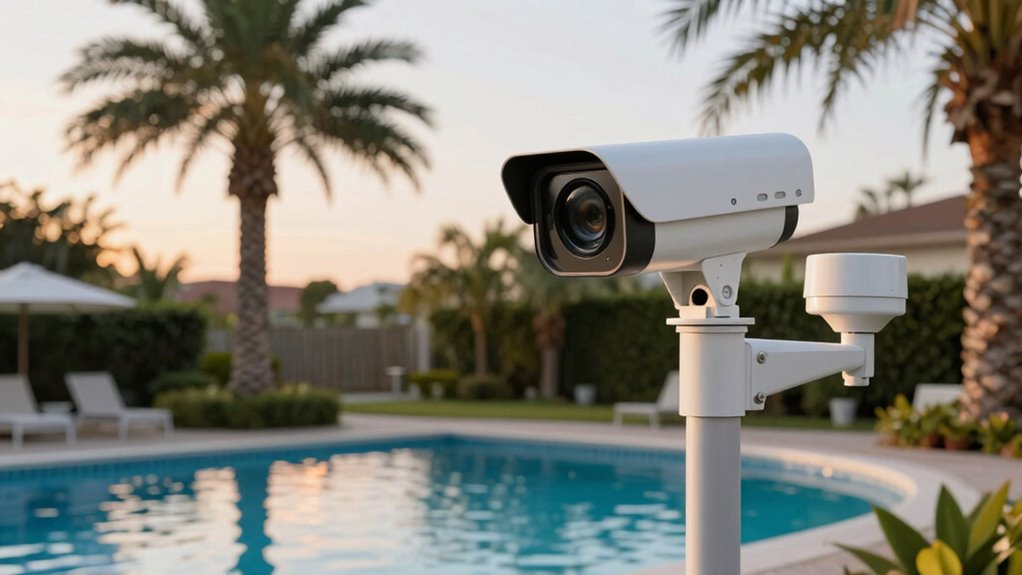
False alarms can be frustrating, but many common issues can be resolved with simple troubleshooting. Start by checking your camera troubleshooting steps: ensure the camera is clean, properly focused, and positioned correctly. Sometimes, debris or poor lighting can trigger false alert solutions, so adjust the angle or improve lighting conditions around the pool. Verify that your alert settings aren’t too sensitive; lowering the sensitivity can reduce unnecessary alerts. Review your camera’s motion detection zones to exclude areas prone to movement, like trees or nearby objects. If false alerts persist, update your camera firmware or reset the system. Regular maintenance and calibration are essential for accurate detection. With these false alert solutions, you’ll improve your camera’s reliability and enhance pool safety.
Frequently Asked Questions
What Are the Best Camera Types for Pool Safety Monitoring?
You should choose weatherproof, high-resolution PTZ (pan-tilt-zoom) cameras for pool safety monitoring. They offer flexible camera placement, allowing you to cover wide areas and focus on specific zones, reducing false alerts. Dome cameras are also a good option because they blend into surroundings and are less tampered with. Opt for cameras with night vision and motion detection to make certain of reliable monitoring day and night.
How Often Should I Check My Cameras for Optimal Placement?
You should check your cameras weekly to guarantee optimal placement and minimize false alerts. Regular camera maintenance helps catch any issues early, like dirt or obstructions, that could affect performance. During each check, review the footage to spot any placement adjustments needed, especially after weather events or landscaping changes. Staying proactive with maintenance and positioning keeps your pool area safe and your camera system functioning effectively.
Can Weather Conditions Affect the Accuracy of Pool Safety Cameras?
Weather impact can definitely affect the accuracy of your pool safety cameras. Heavy rain, fog, or snow may obscure the camera’s view, leading to false alerts or missed activity. To minimize this, regularly check and recalibrate your camera, especially after severe weather. Proper calibration ensures your camera adjusts to changing conditions, helping maintain reliable detection and fewer false alerts despite weather challenges.
Are There Legal Considerations for Installing Pool Safety Cameras?
You should know that installing pool safety cameras requires legal compliance and attention to privacy regulations. It’s not just about security; you might need permits or disclosures to avoid legal issues. Make sure your camera placement respects neighbors’ privacy and adheres to local laws. Failing to do so could lead to privacy violations or legal trouble, so always research specific regulations in your area before installation.
How Do I Differentiate Between False Alerts and Real Emergencies?
To differentiate between false alerts and real emergencies, you should regularly calibrate your sensors to guarantee accurate detection. Customize your alerts to match your pool’s specific layout and environment, reducing false alarms. Pay close attention to the nature of each alert—if it’s consistent with a real emergency like a person in the water, respond quickly. Trust your system’s calibration and customization to help you distinguish genuine threats from false ones.
Conclusion
By mastering your camera placement and settings, you can substantially reduce false alerts and enhance pool safety. Take the time to troubleshoot, tweak sensitivities, and regularly reposition your cameras to keep false alarms at bay. With careful consideration and consistent care, your surveillance system becomes a shield of security, saving you stress and ensuring safety. Stay vigilant, stay vigilant, and make your pool a safer, smarter space with strategic placement and proactive adjustments.
Fall Picks
fall essentials
As an affiliate, we earn on qualifying purchases.